

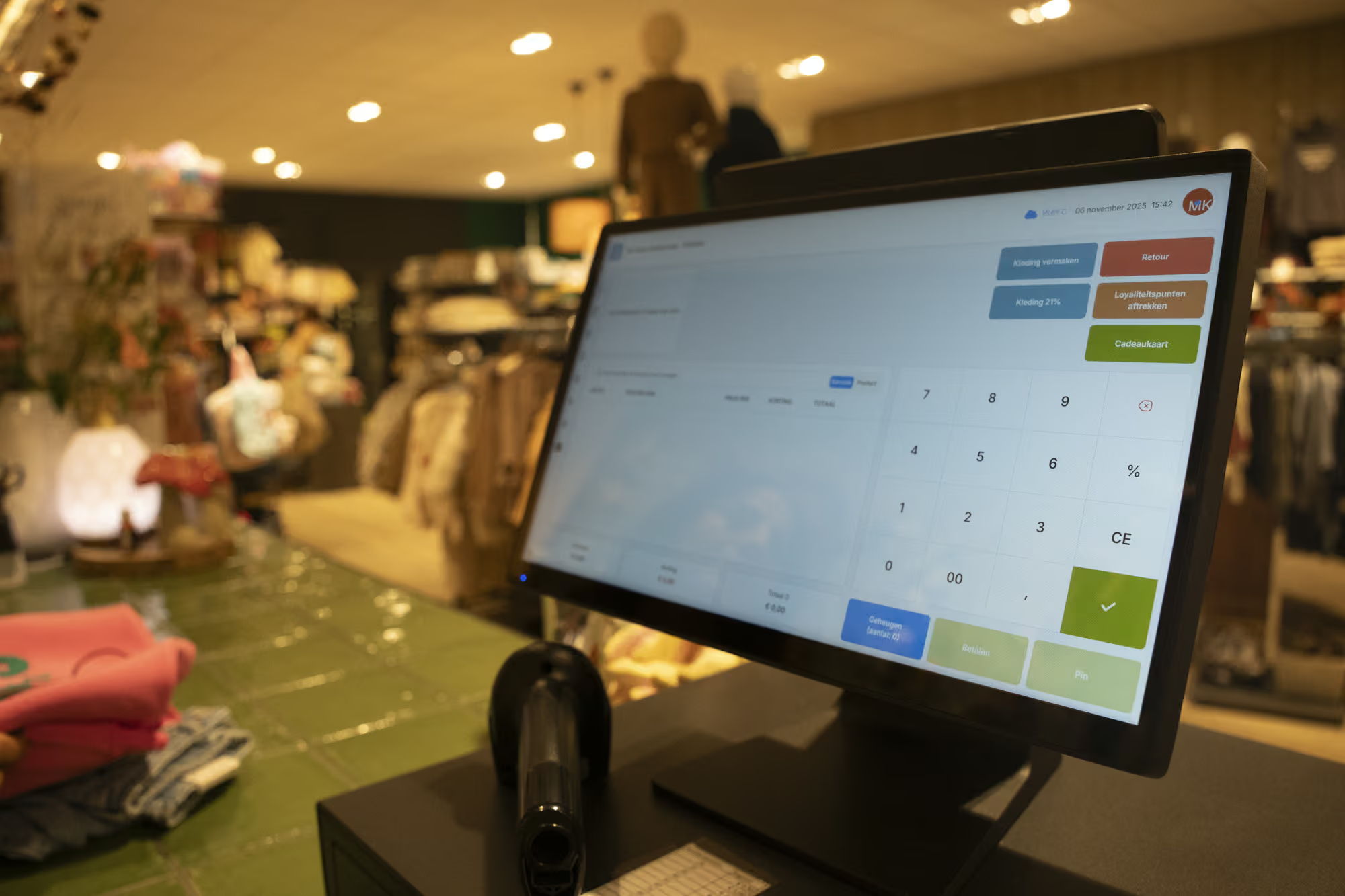
In many stores, the busiest moments happen in just a few square meters at the checkout. You don’t want a slow or confusing system then. With a modern POS system for your store, you can avoid queues, inventory mistakes, and unclear daily reports.
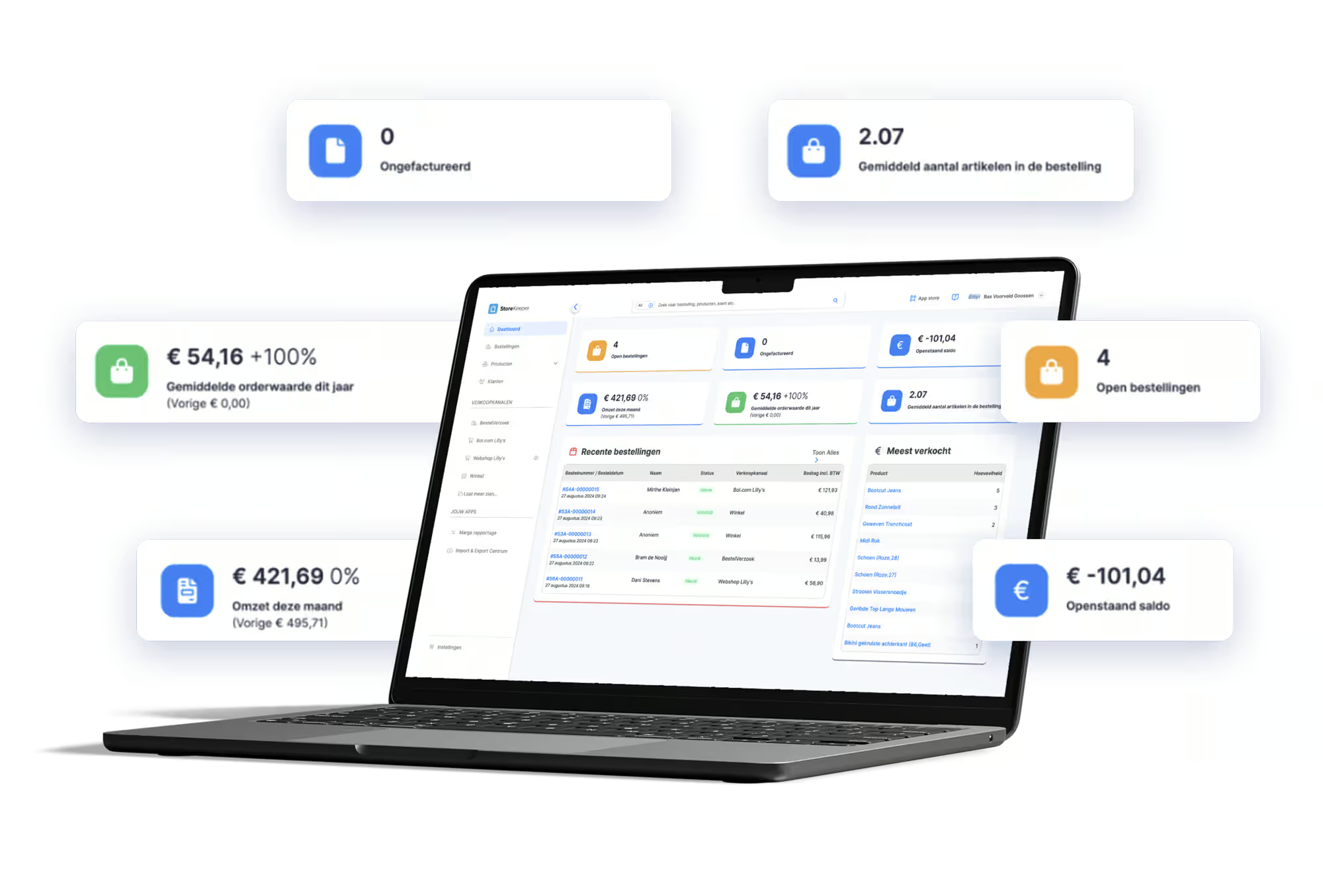
StoreKeeper consolidates everything that happens at the counter into one system. You can see which items were sold, which discounts were applied, and what the daily revenue is. At the end of the day, you don’t have to guess whether the numbers are correct – your POS system has already recorded everything for you.
The heart of StoreKeeper is the POS screen. Everything important happens there: scanning products, adjusting quantities, applying discounts, accepting returns, and completing payments. The screen is designed clearly so everyone can navigate it quickly.
In the background, the store POS system links these actions to your inventory and reports. Every sold item is deducted from stock, and returns are added back. This ensures what you see in the system closely matches what’s on the shelves.
In the back office, you manage your assortment and prices. You set up products once and adjust prices centrally. Everything you configure there is immediately available at the checkout. This keeps your store POS system organized, even as your assortment grows.
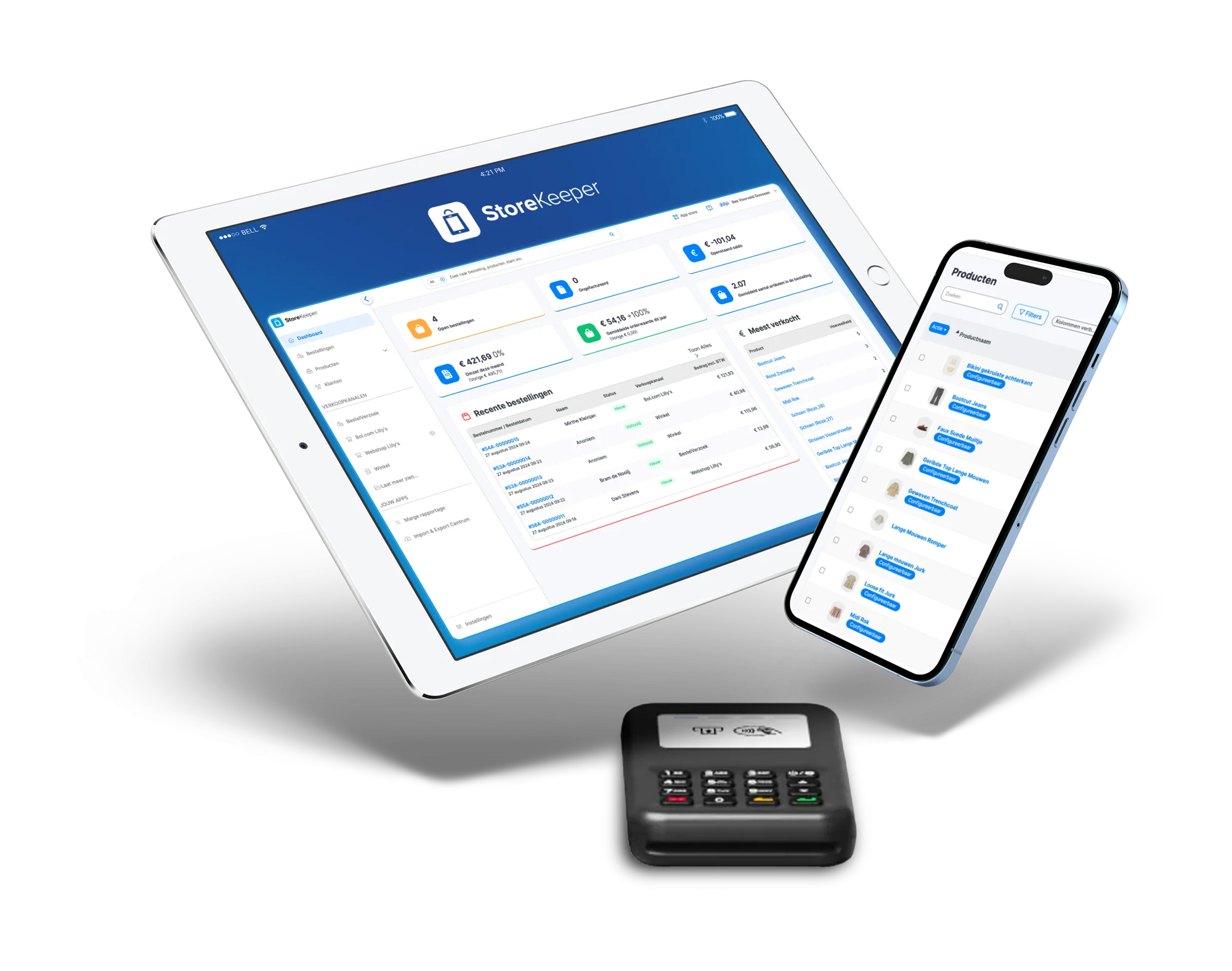
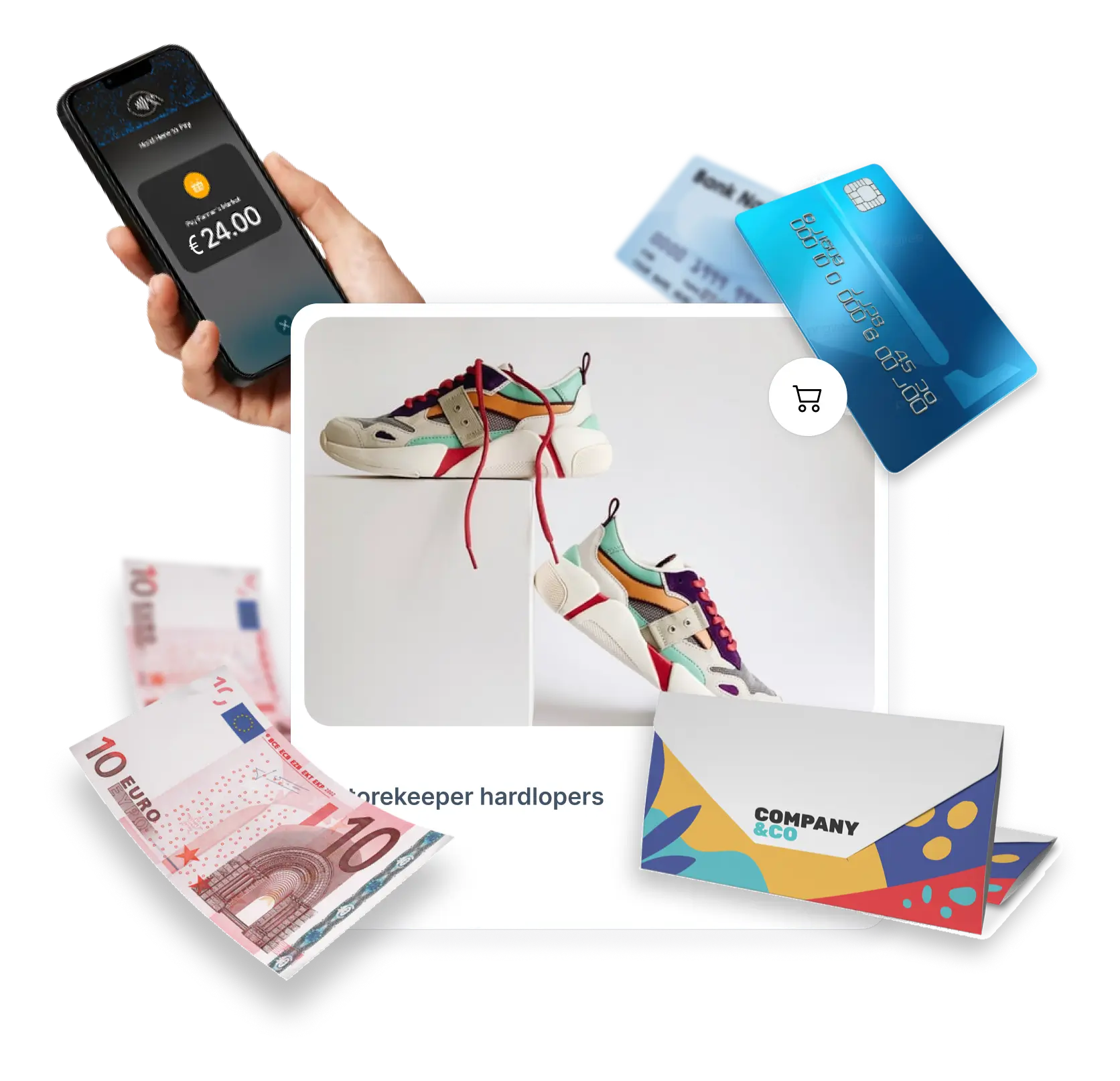
Whether you run an independent store or are at the start of a chain with multiple locations, you don’t want to keep switching systems. StoreKeeper is light enough to use in a smaller setting, yet powerful enough to grow with you.
When starting out, you mainly use the POS and a few basic reports. As your store grows, you can do more with inventory analysis, margins, and additional features. Your store POS system remains the same—you just use it more extensively. This provides peace of mind for you and your team.
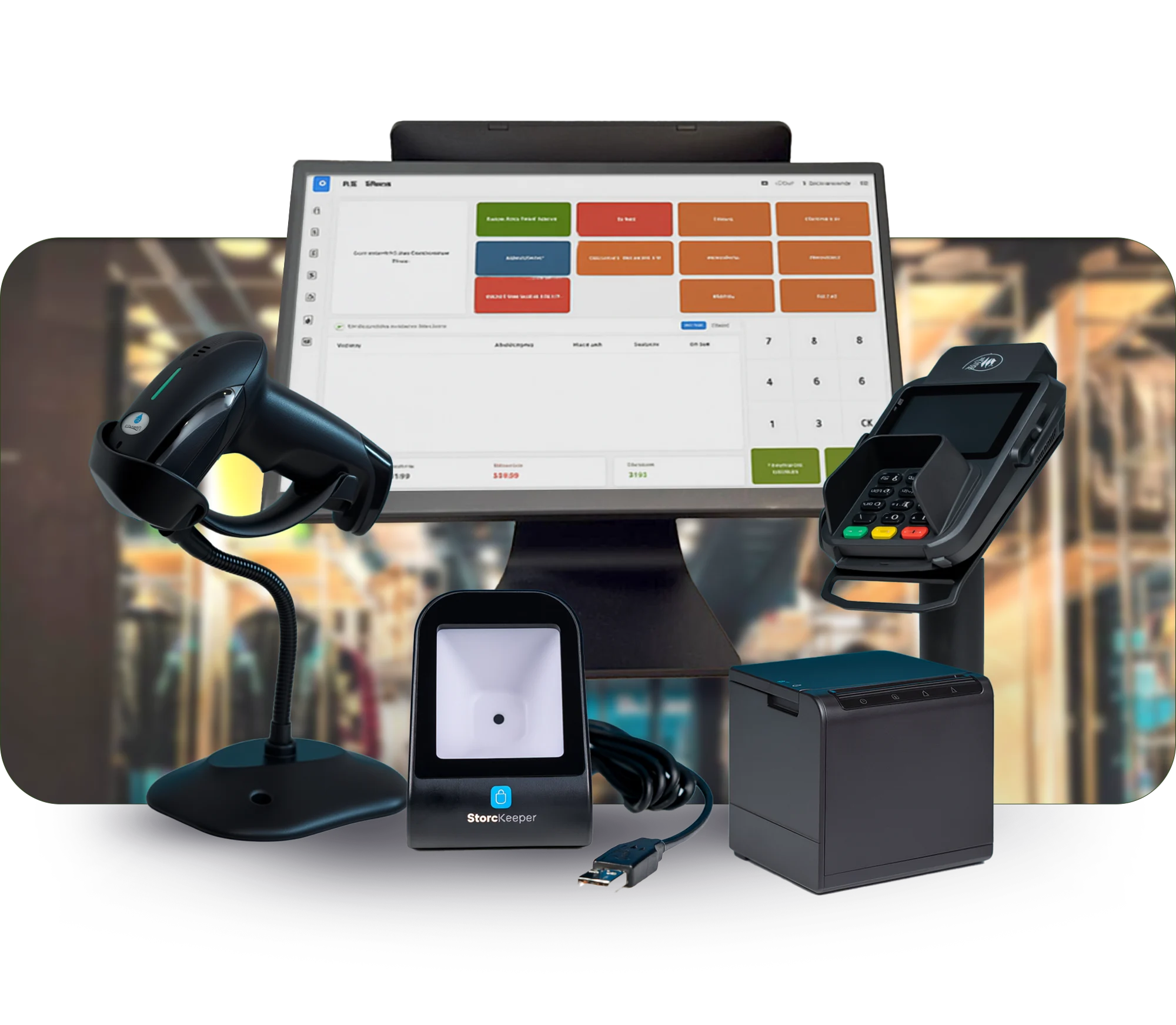
StoreKeeper works well with professional POS hardware, but also with equipment you may already have. Many stores choose a Touch POS with receipt printer, cash drawer, and scanner. Others start with a laptop or tablet and later expand to a fixed setup.
Whichever option you choose, the key is that your store POS system responds quickly and is easy to use, even during busy periods.
With StoreKeeper, you quickly notice that you gain more control over your store. The figures from the system align with what you experience on the floor. You can see which days are busy, which product groups perform best, and where you might run out of stock.
Additionally, you reduce errors at checkout. Prices and promotions are set centrally, leaving less room for misunderstandings. The store POS system takes over part of the decision-making and provides more calm at the counter.
Do you want to see what StoreKeeper looks like and how it feels to use it on a busy day in the store? During a demo, we walk you step by step through the process: from the first sale to the end-of-day closing.
Schedule a free demo or see which package best fits your situation.
